Skip to content

Free Forever · No Trial

One Launcher for Every Game You Own

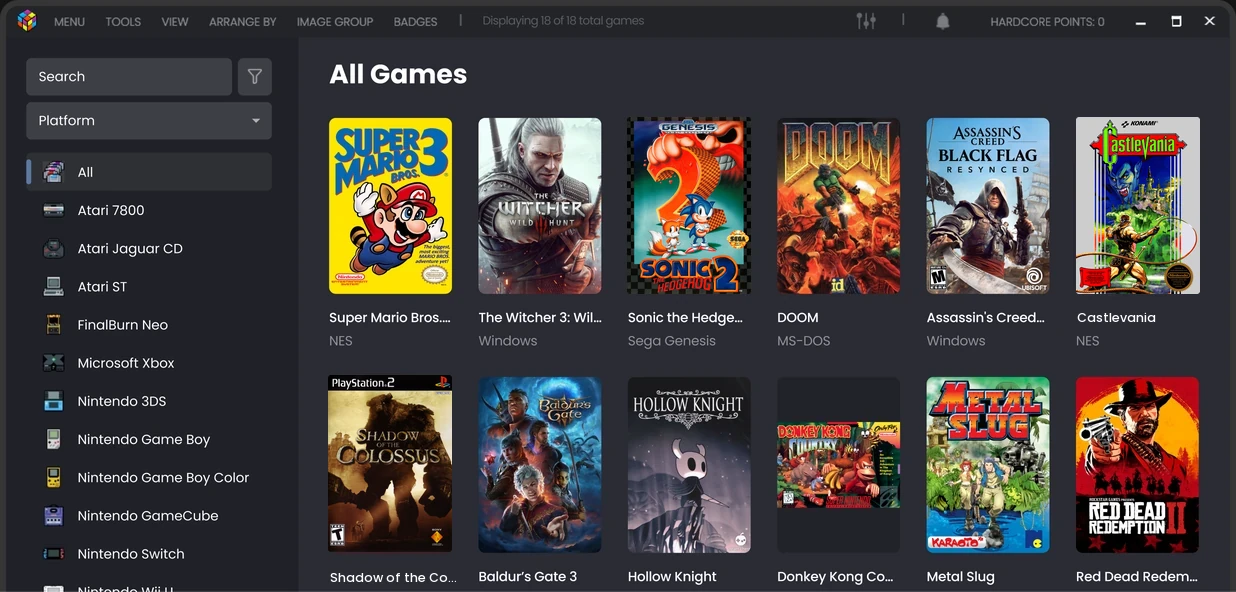
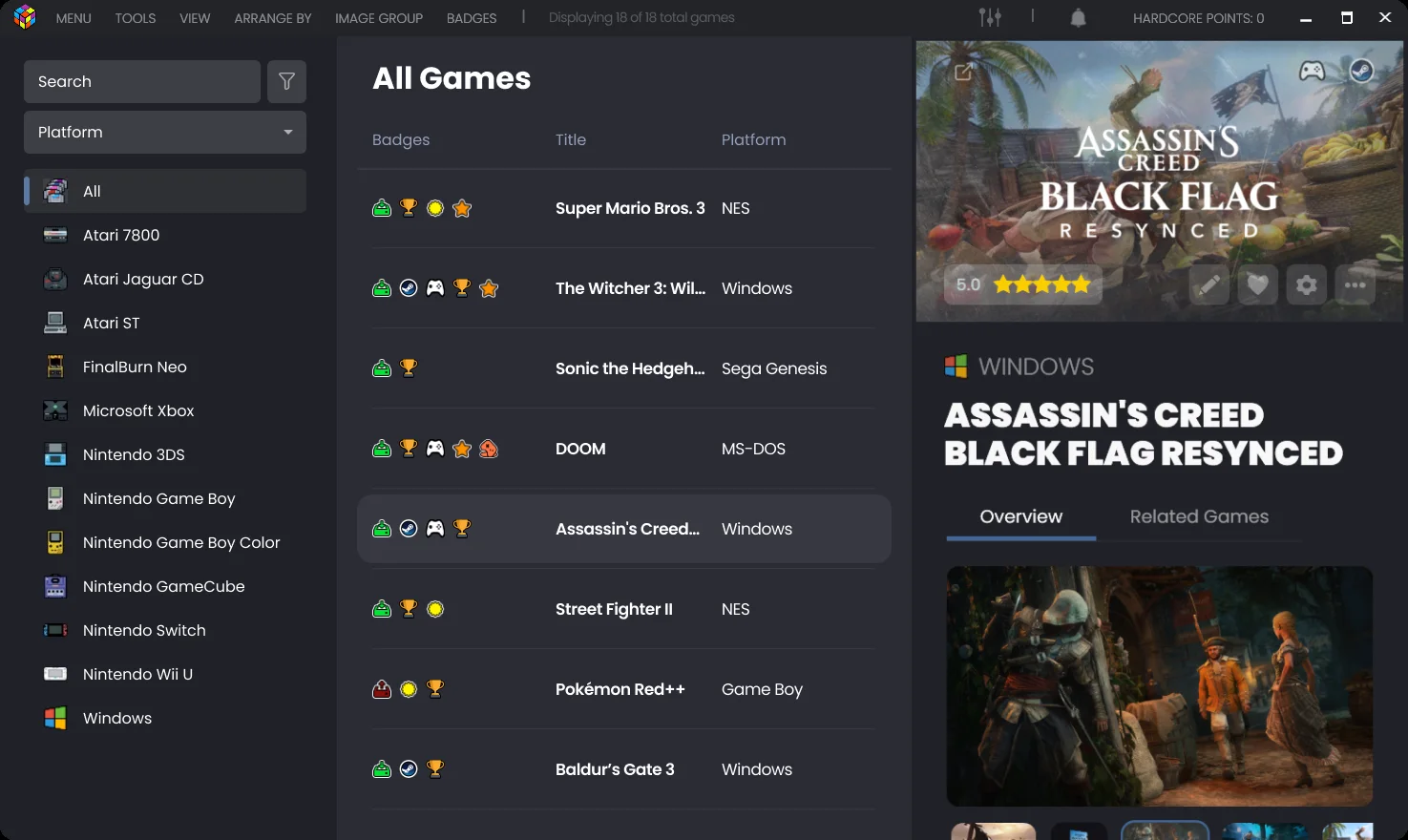
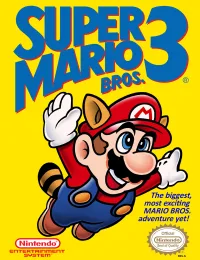
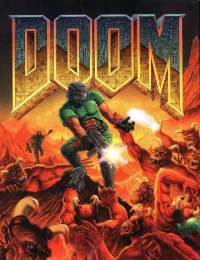
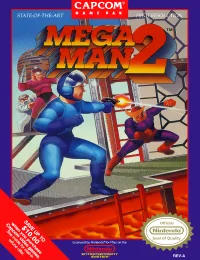
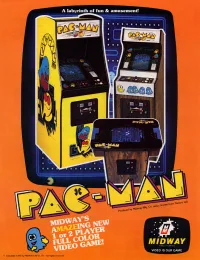
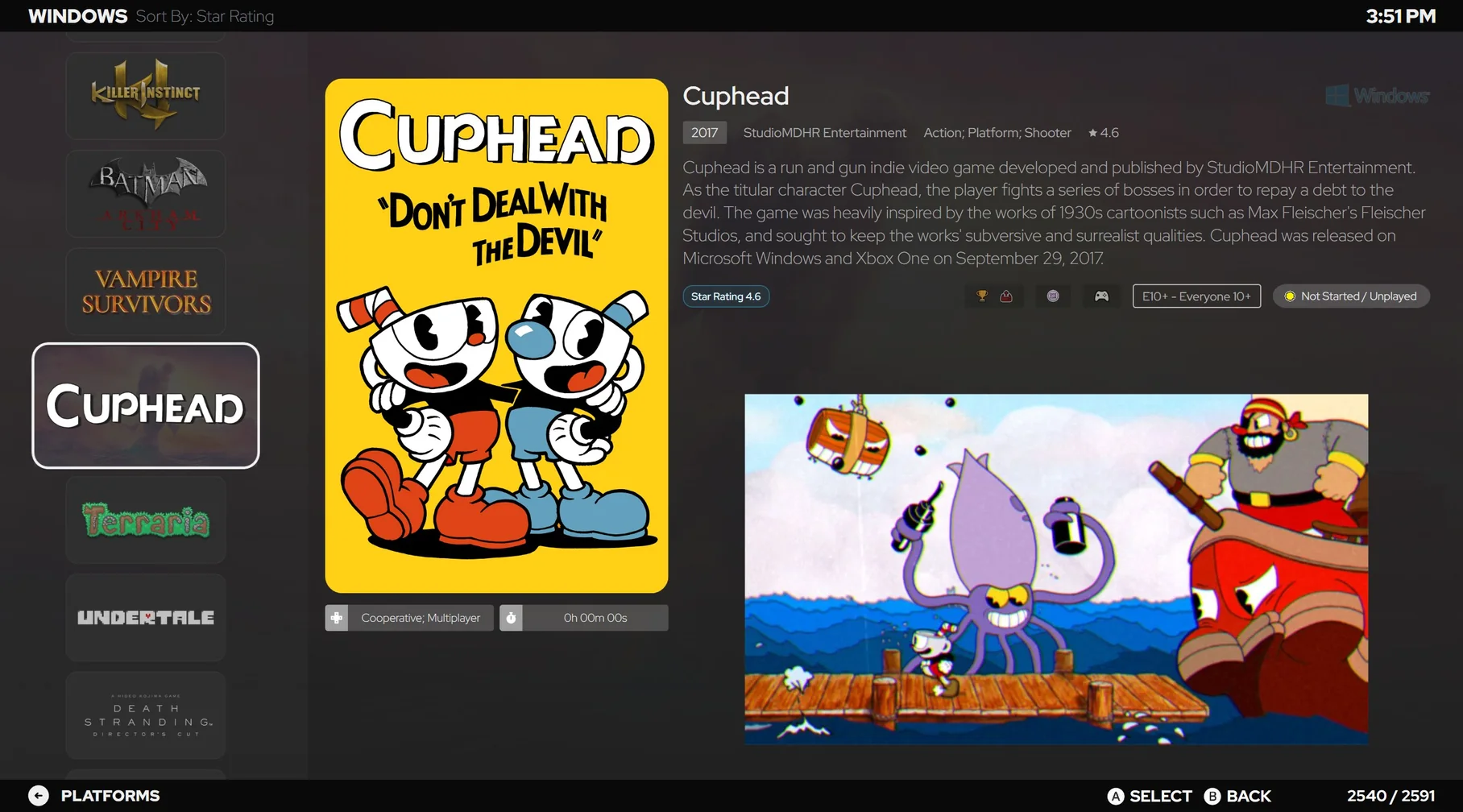
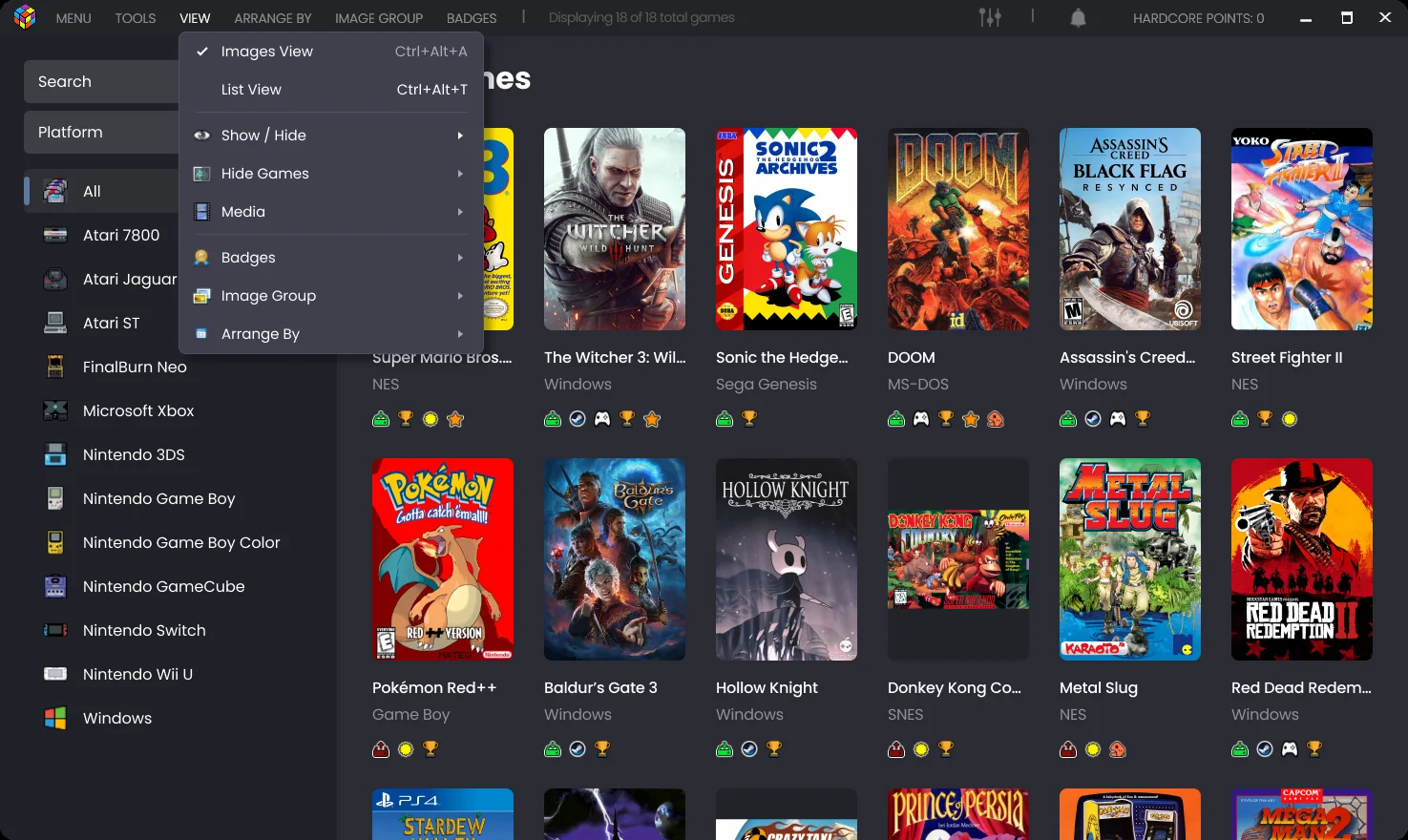
Your emulators, arcade and DOS classics sit alongside your Steam, GOG and Epic games, with box art and details filled in automatically.

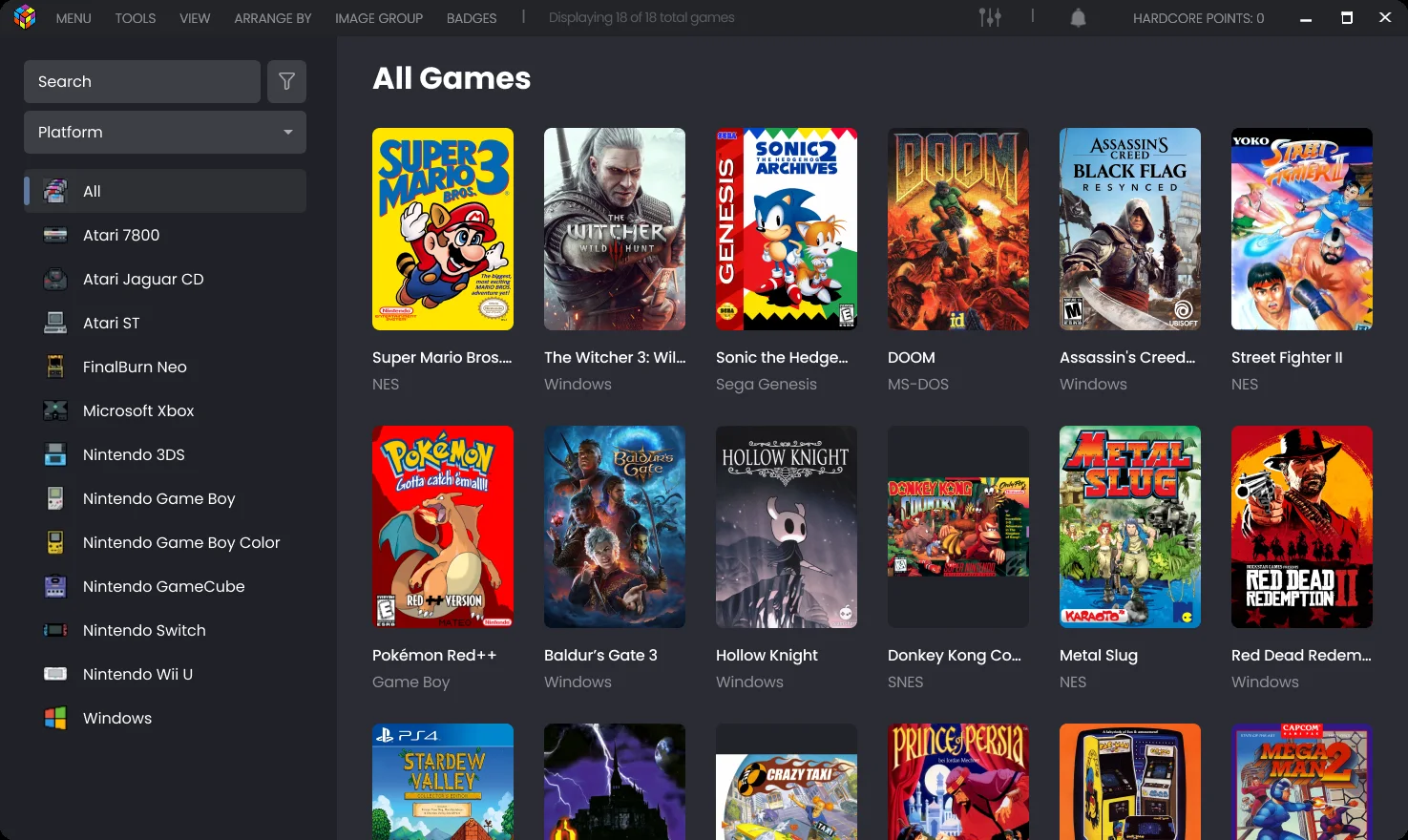
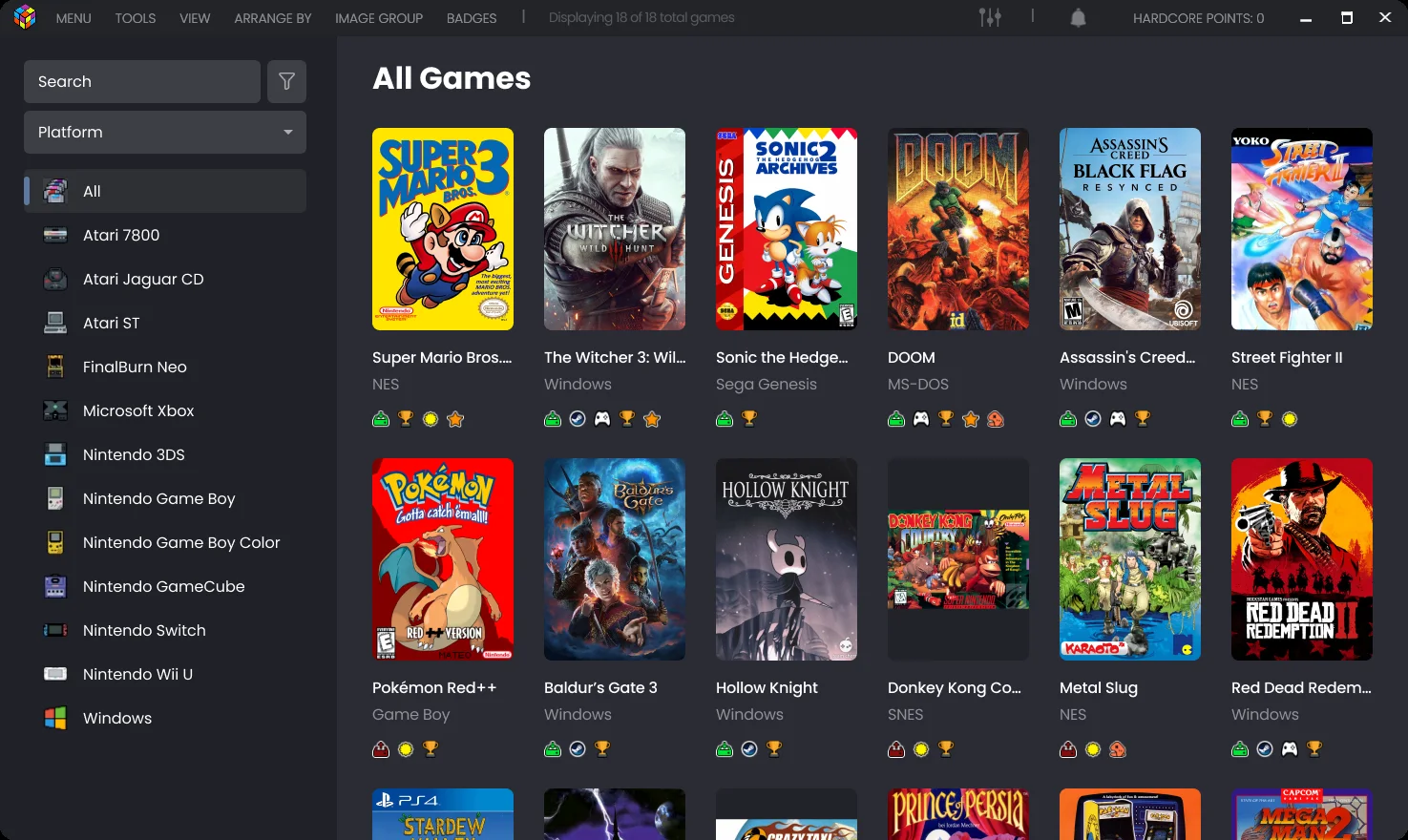
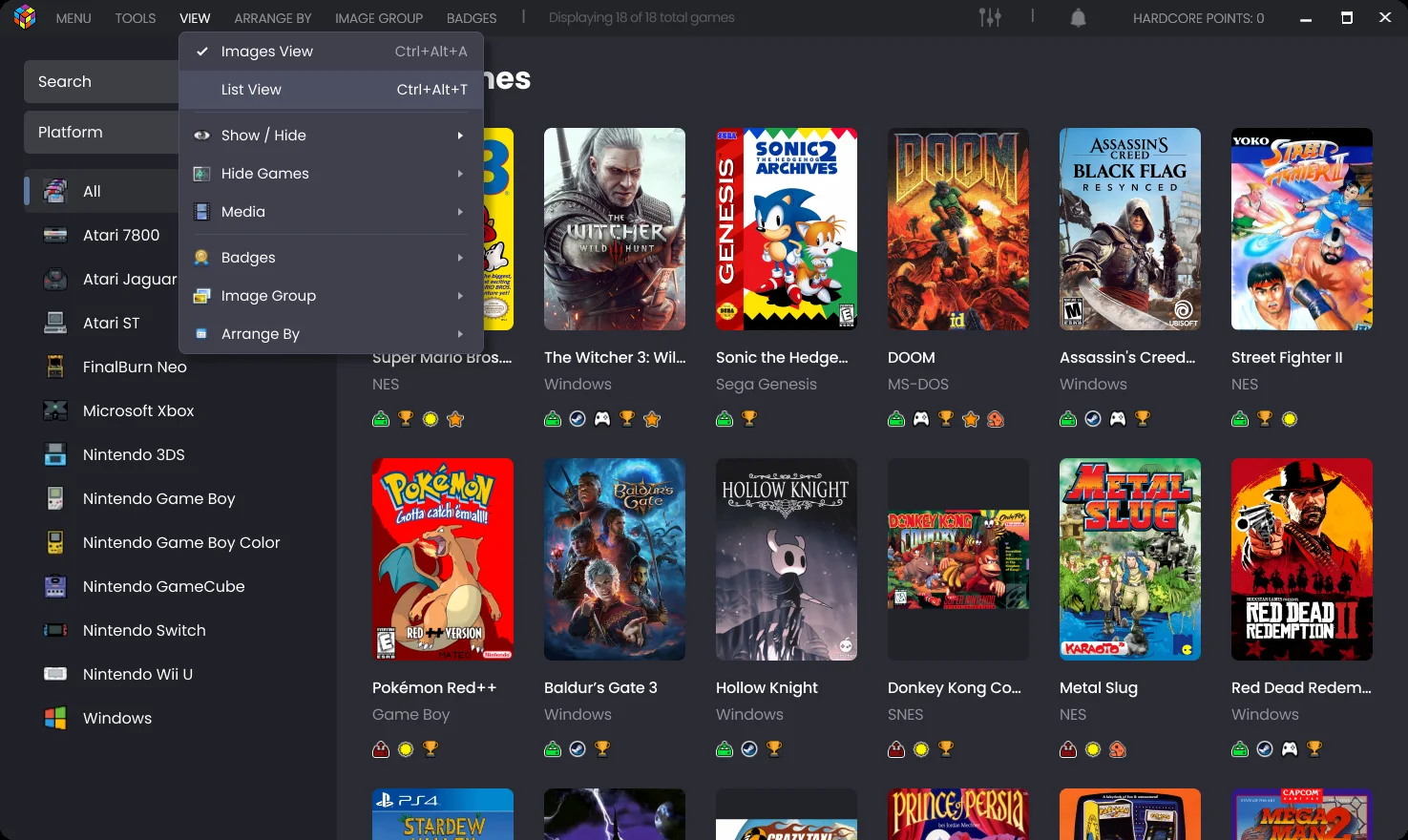
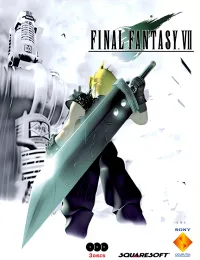
LaunchBox displaying a collection of PC and retro games with cover artwork

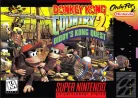
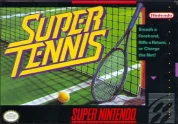
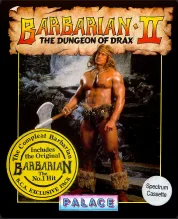
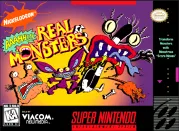
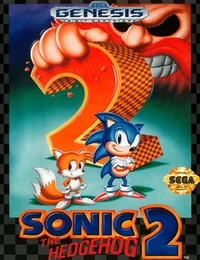
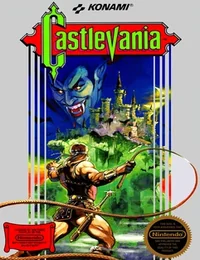
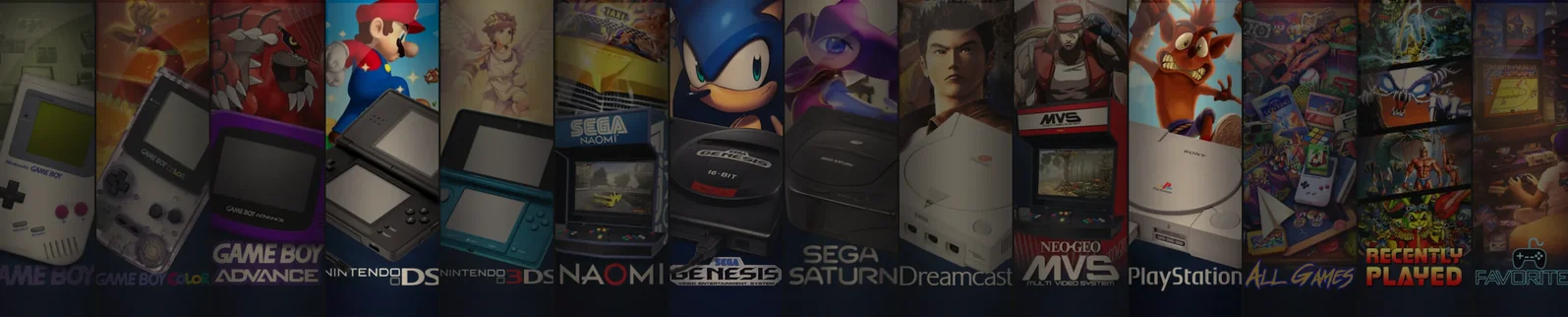
Retro Classics
From 150+ Platforms:

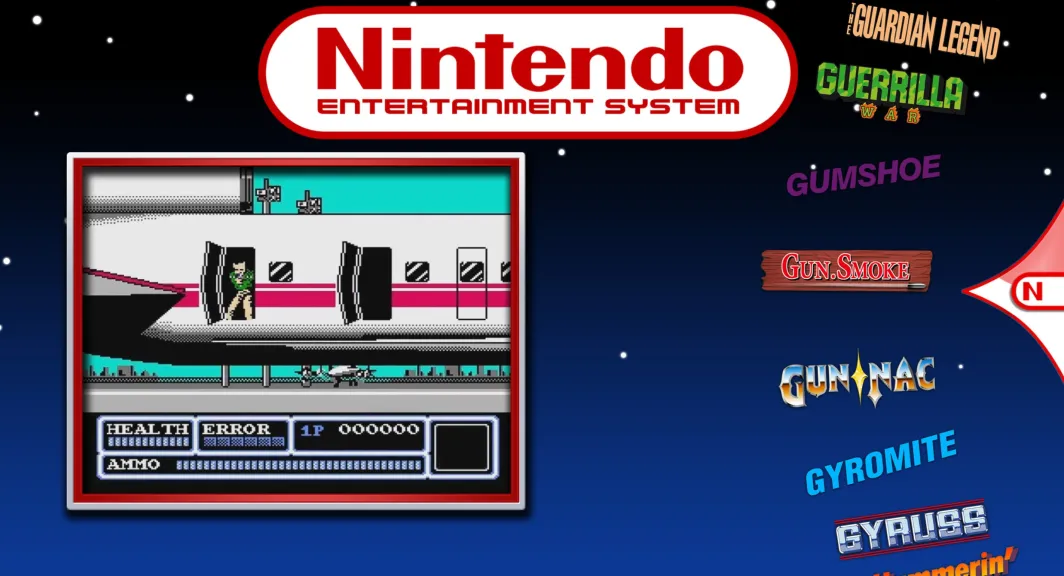
  • Nintendo Entertainment System
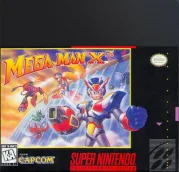
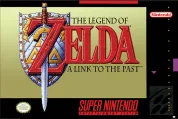
  • Super Nintendo
  • Game Boy
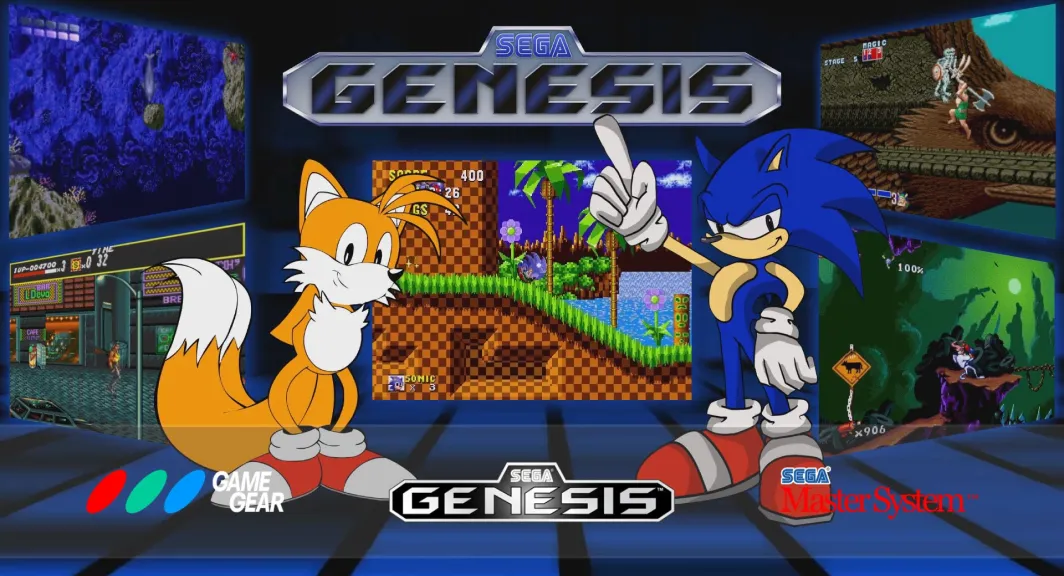
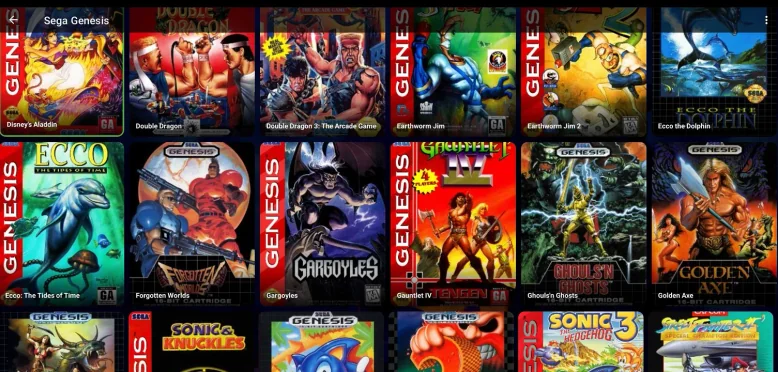
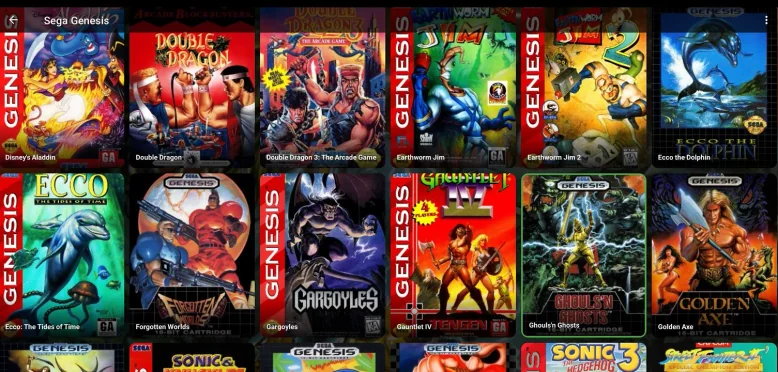
  • Sega Genesis
  • Dreamcast
  • PlayStation
  • MAME

Every Store and Every Console in One Library

How to Import Your Games
  • Steam
  • Epic Games
  • GOG Galaxy
  • Xbox
  • Amazon
  • EA App
  • Ubisoft Connect
  • More via Plugins

Point It at a Folder and Watch It Come Alive

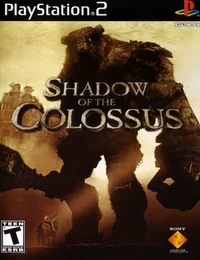
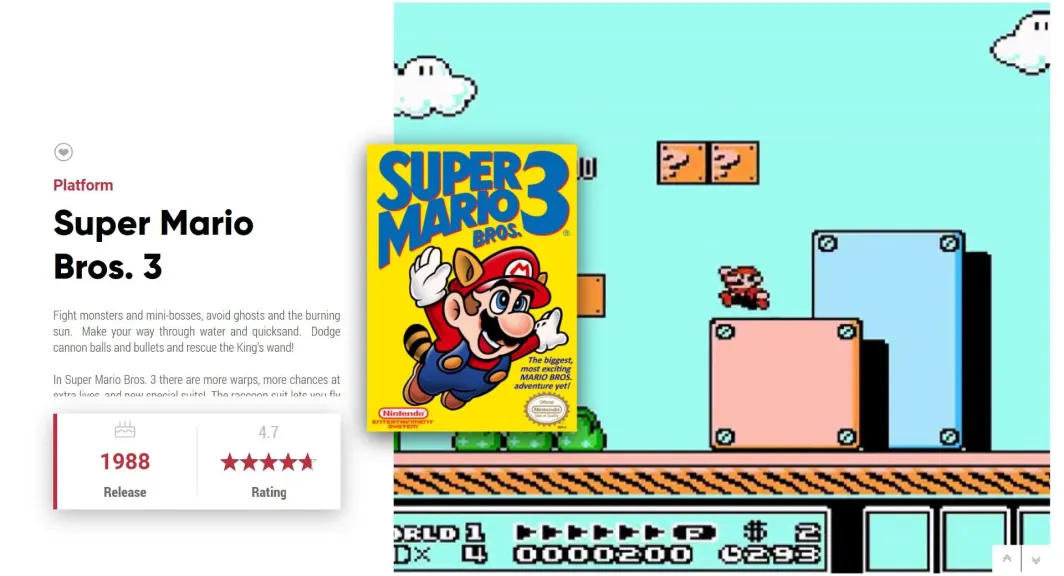
LaunchBox recognizes every game and fills in box art, logos, screenshots, video and full details from a database of 180,000+ titles, matched by platform and region.

Every Kind of Media

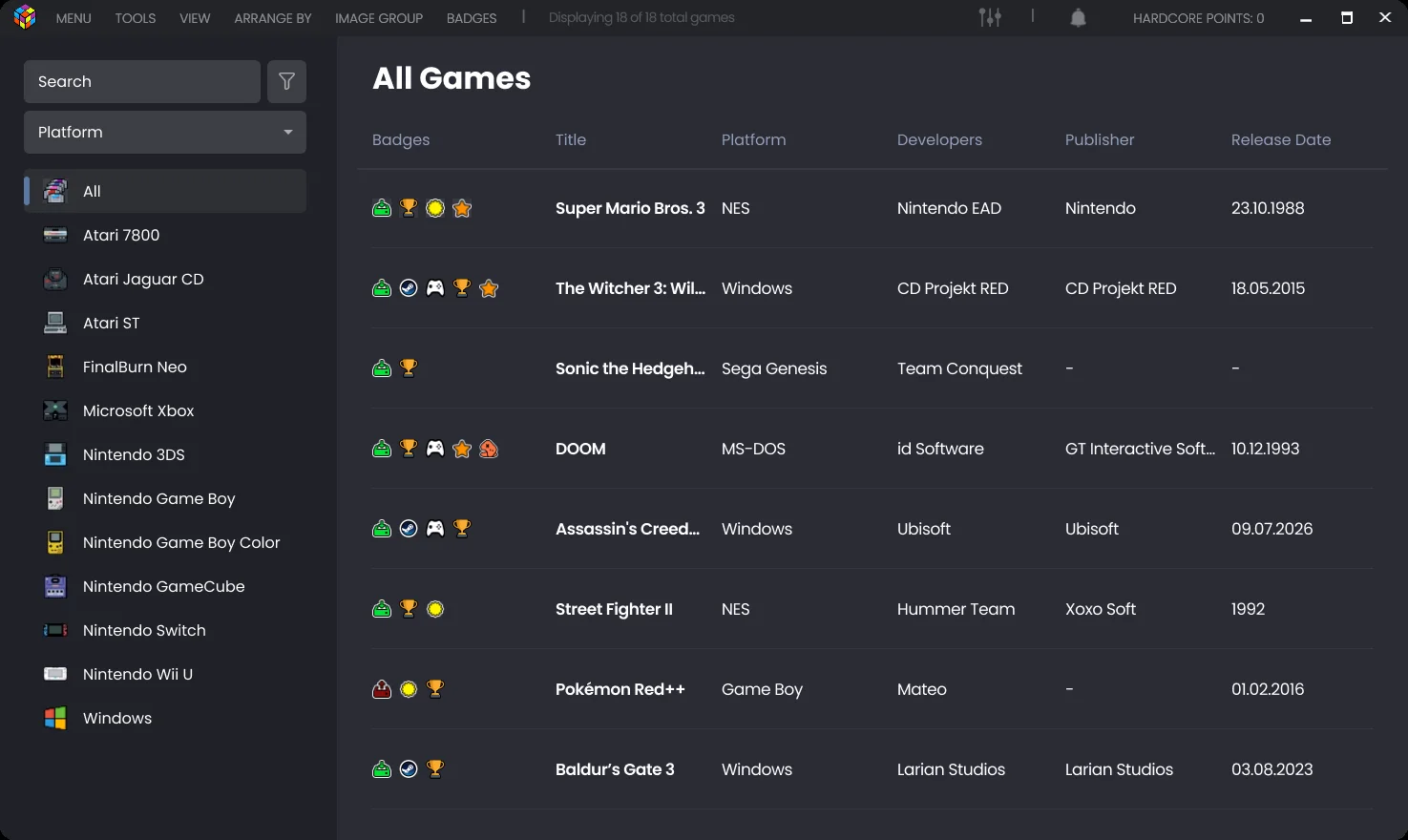
Box art, clear logos, fanart, screenshots and video, plus developer, genre and release date, so even a 5,000-game library stays easy to sort.

When a Fan Fixes a Game, Everyone Gets the Fix

Games DB is kept up by the community. Sign in with your LaunchBox account to add art or fix a detail, and everyone gets it.

Organize Your Collection Your Way

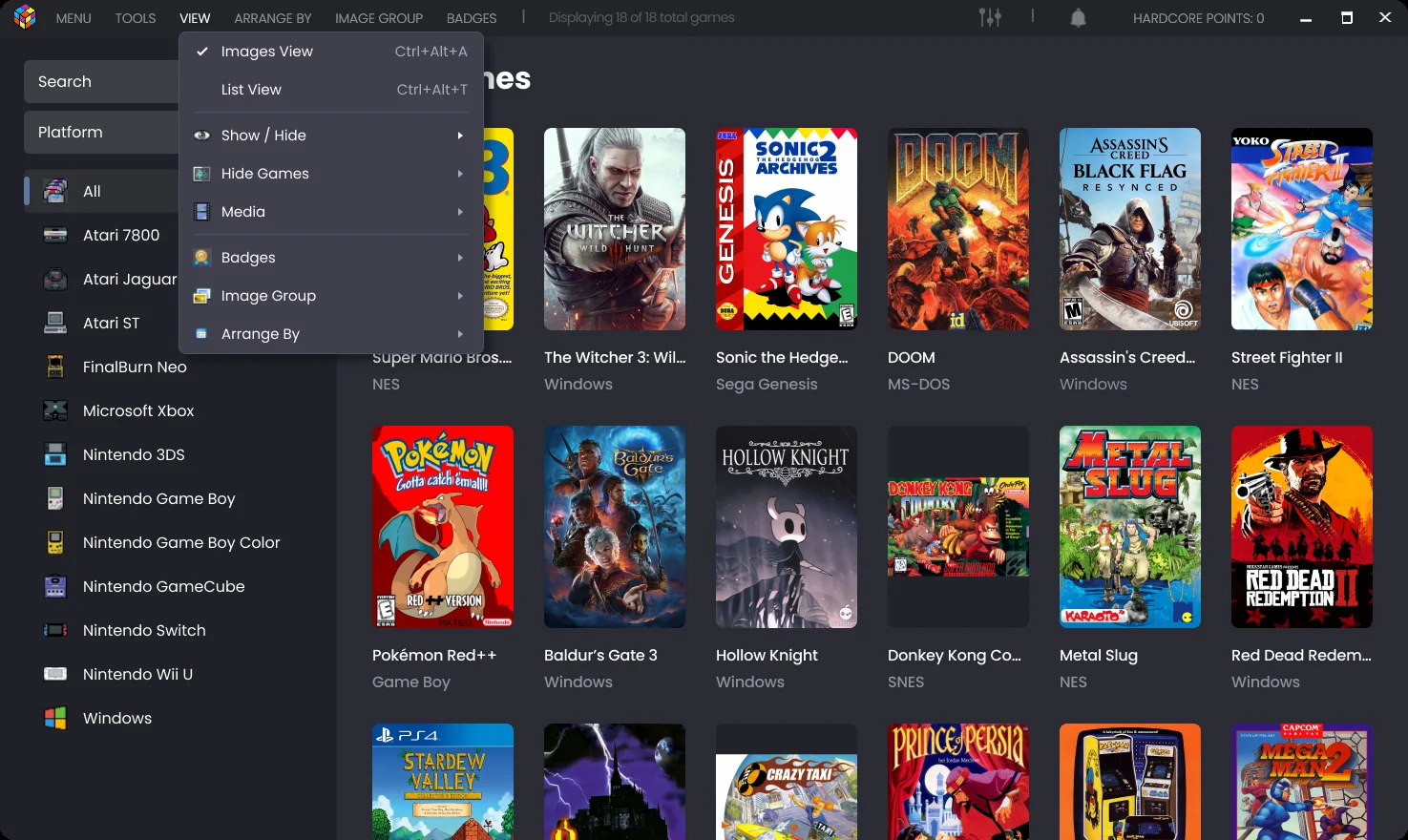
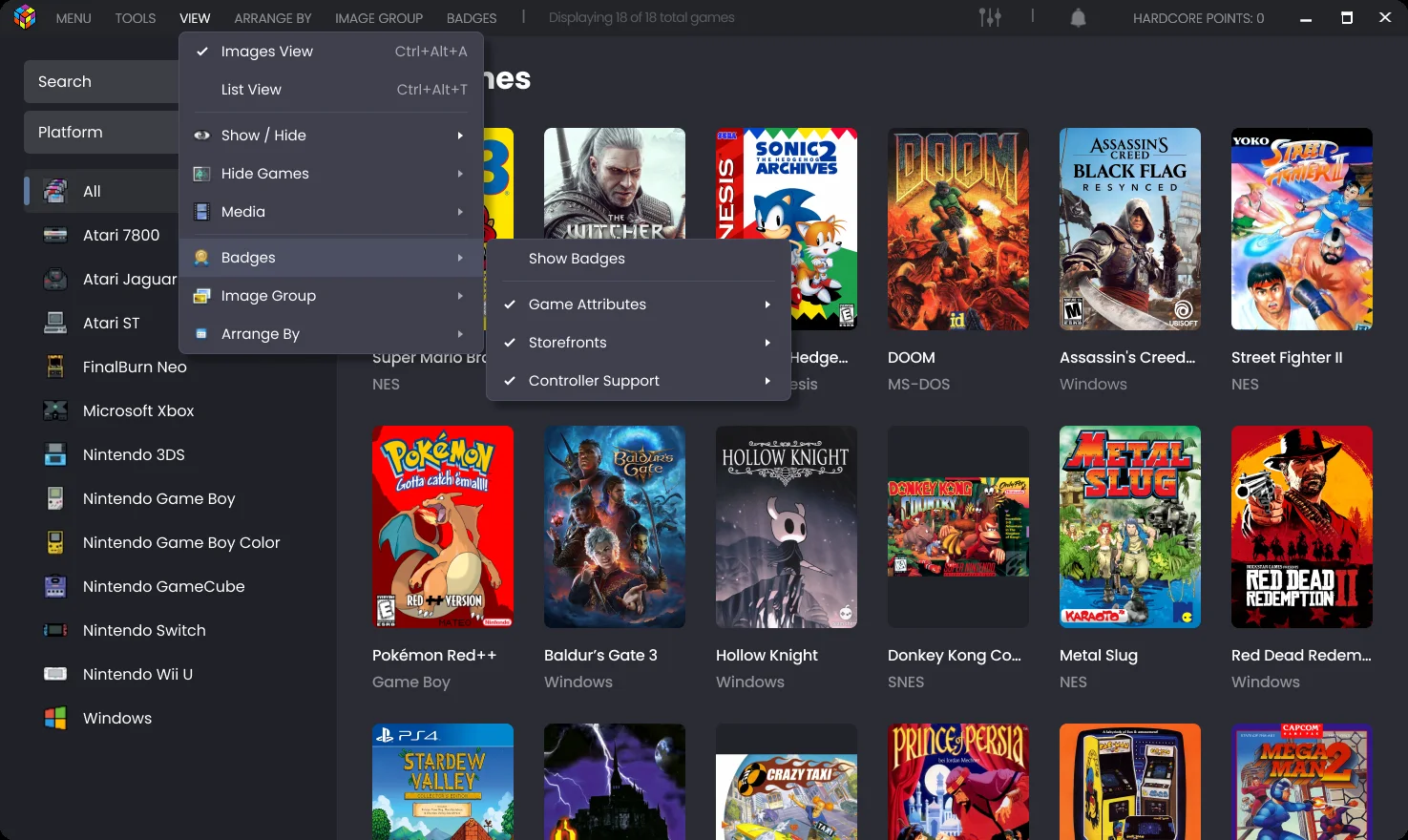
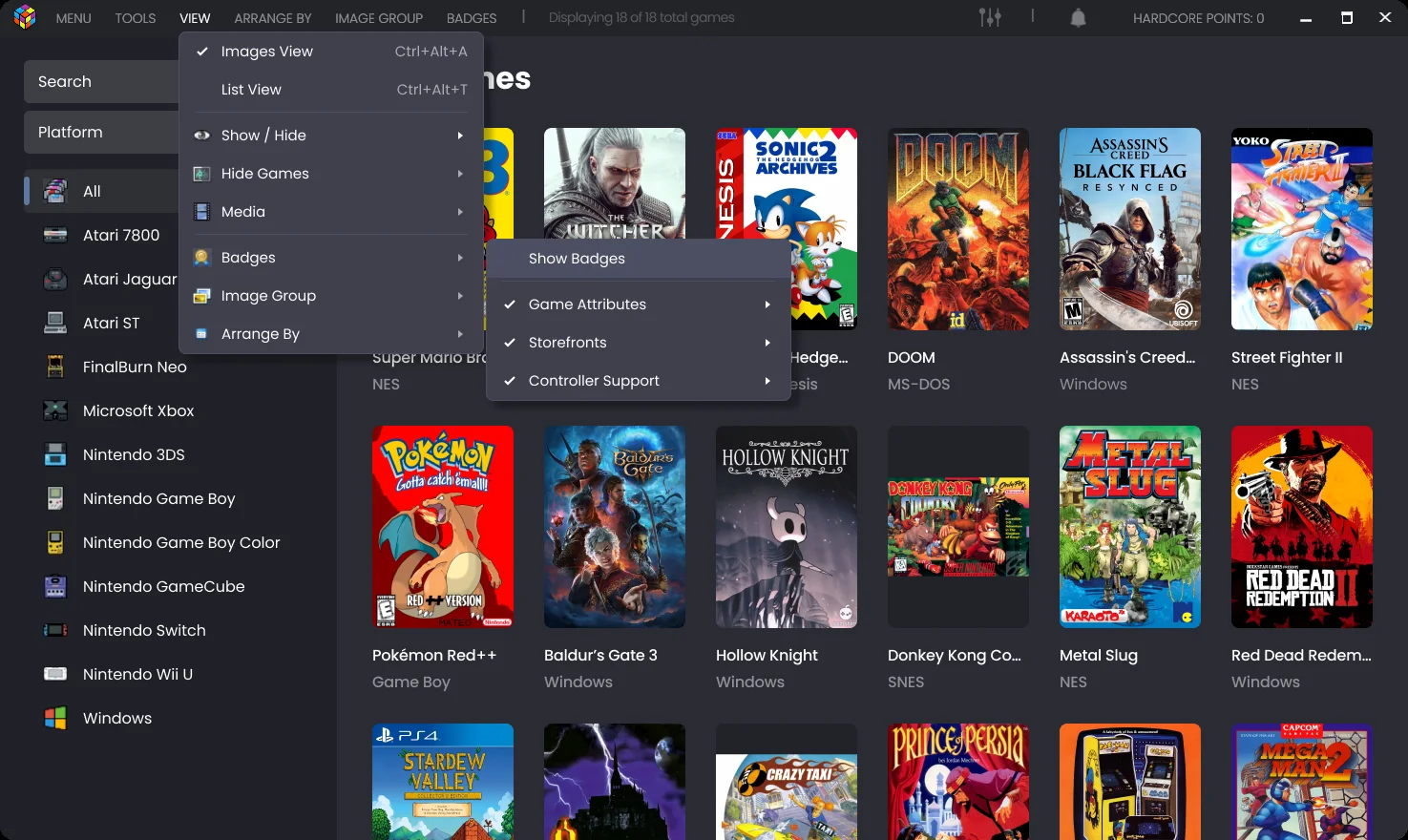
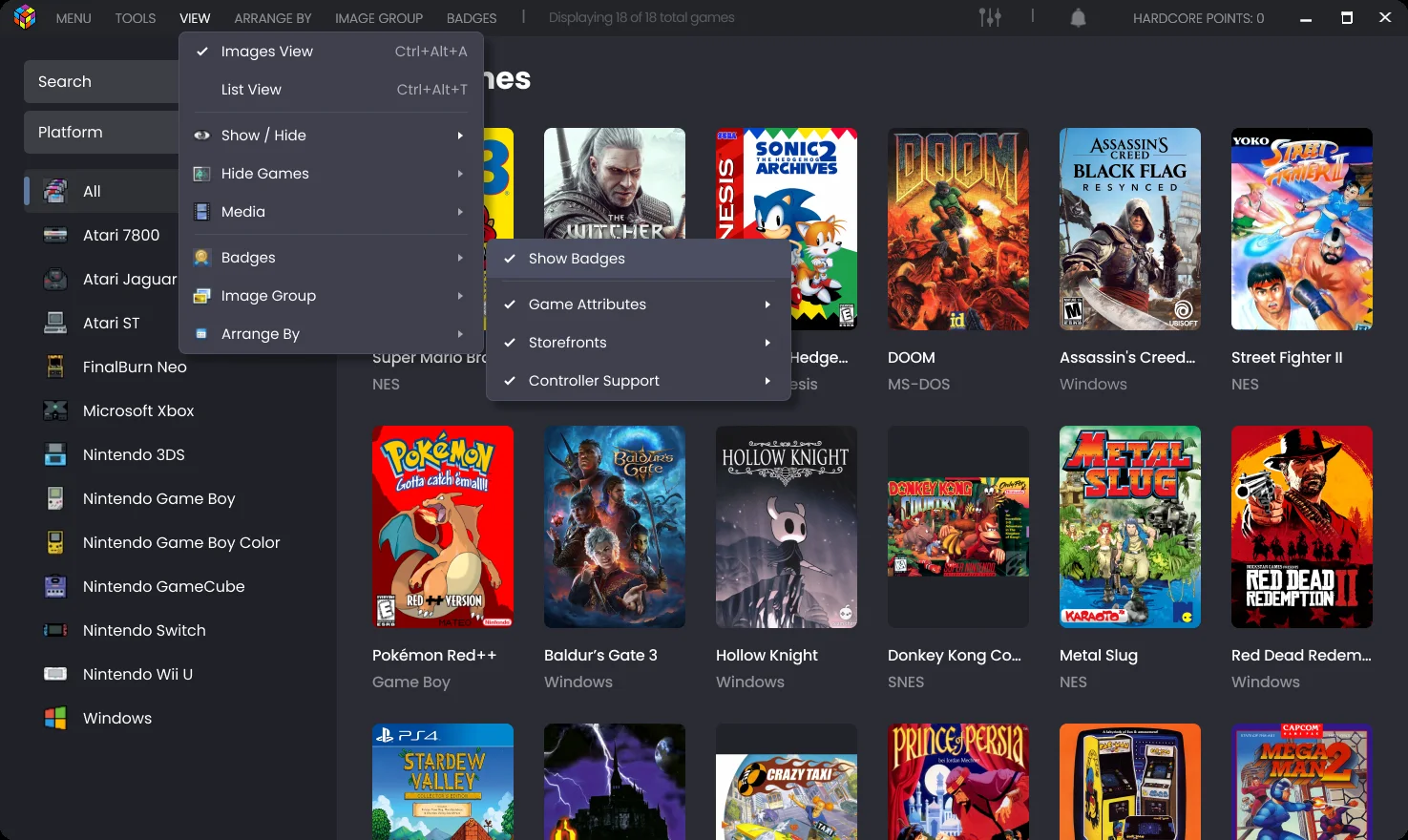
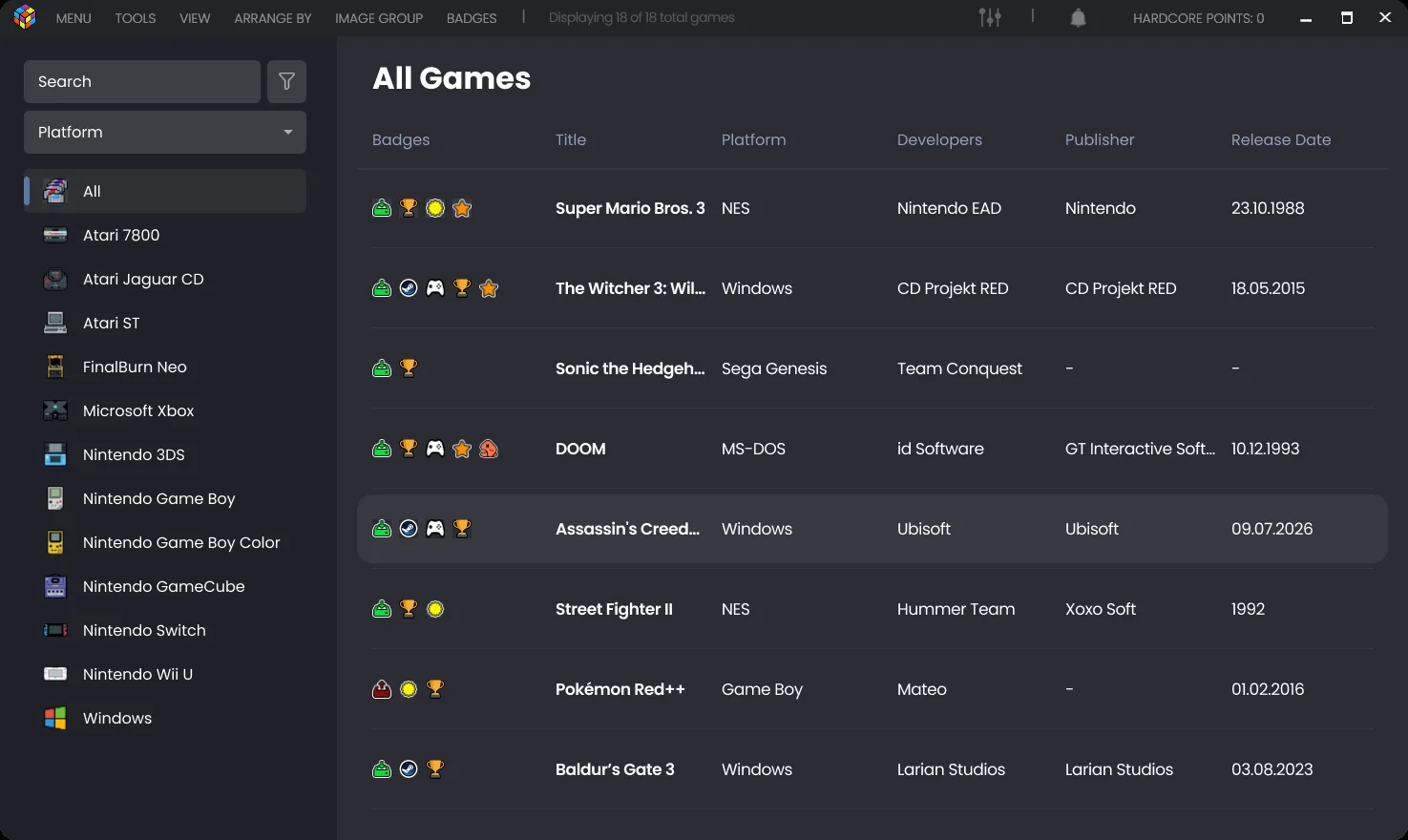
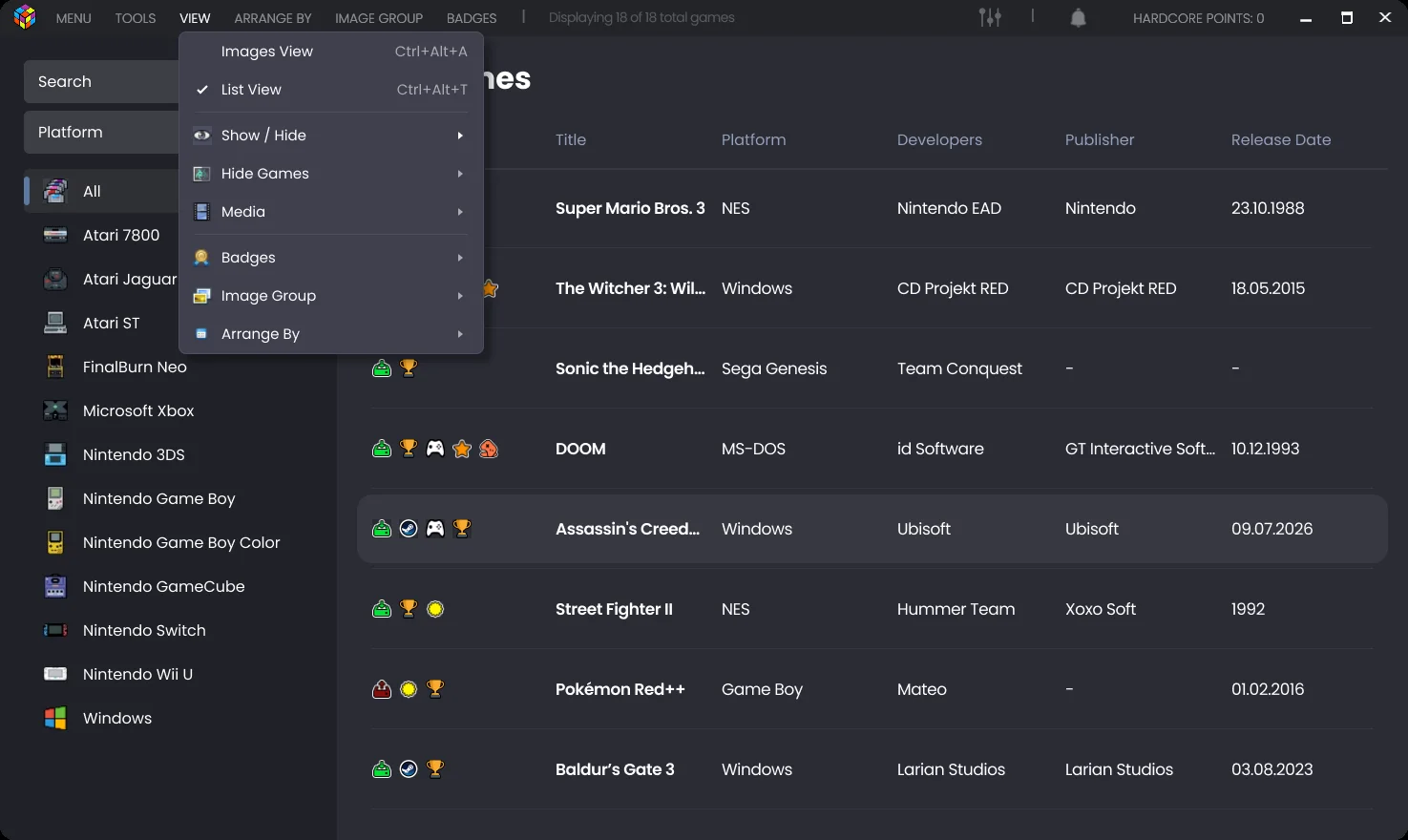
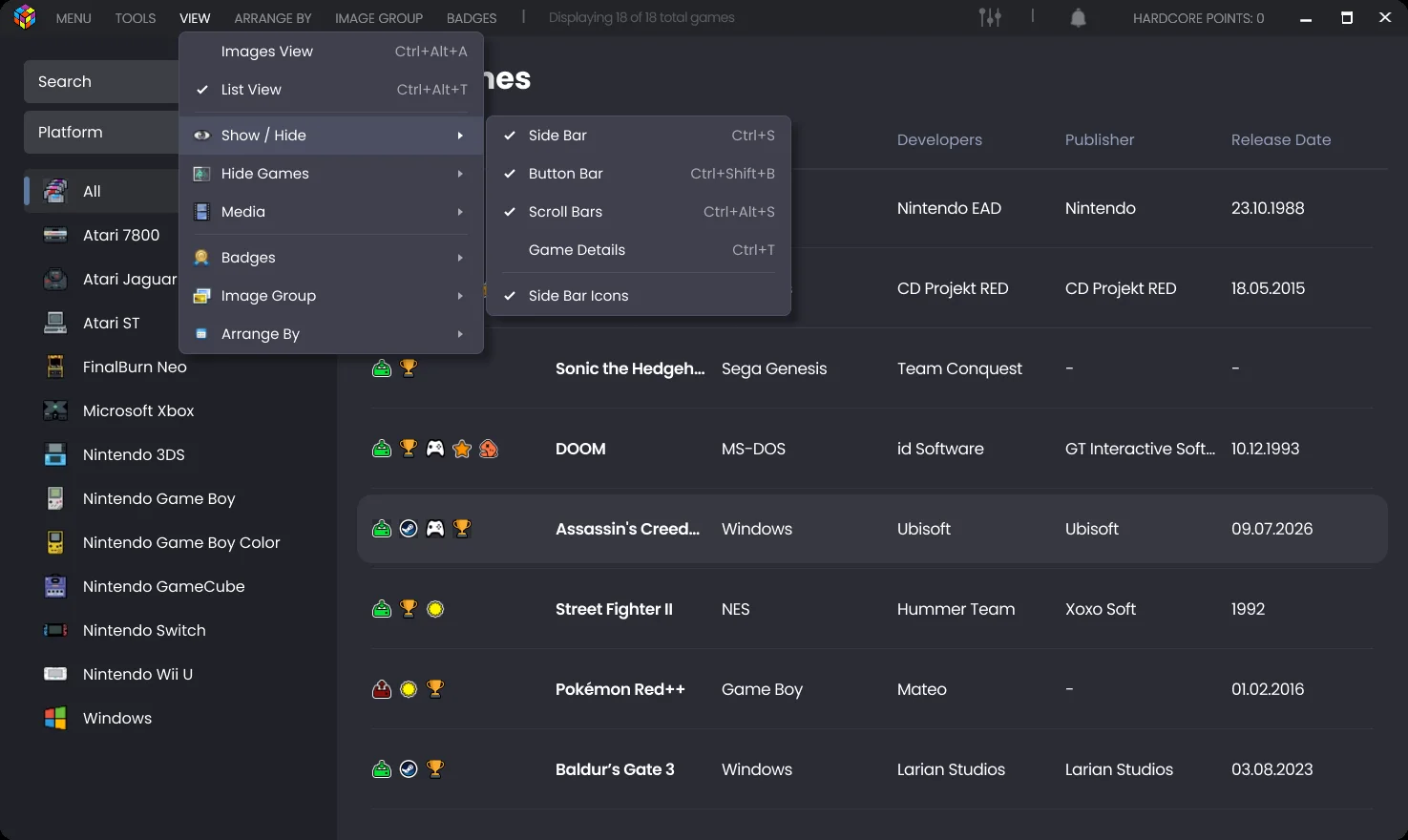
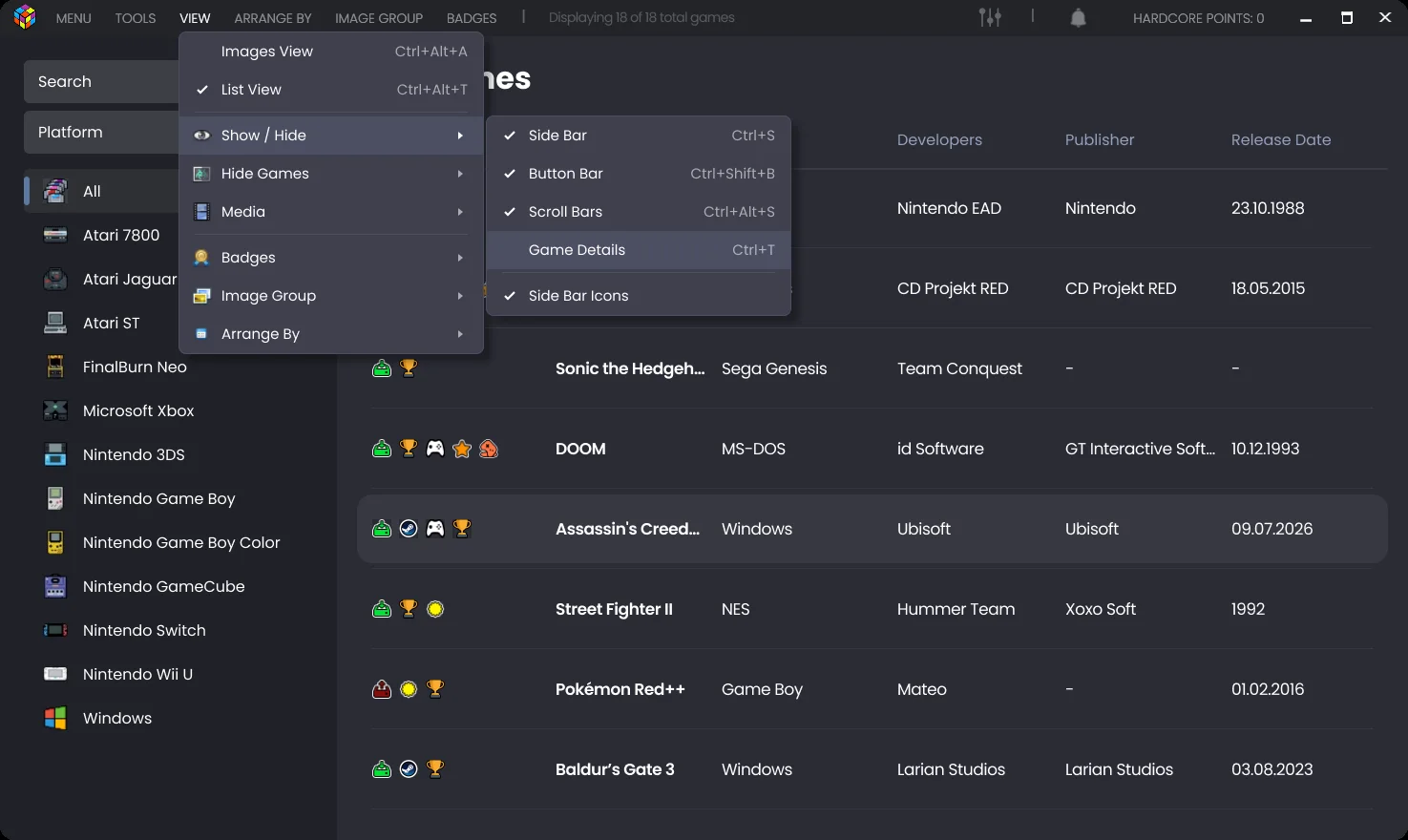
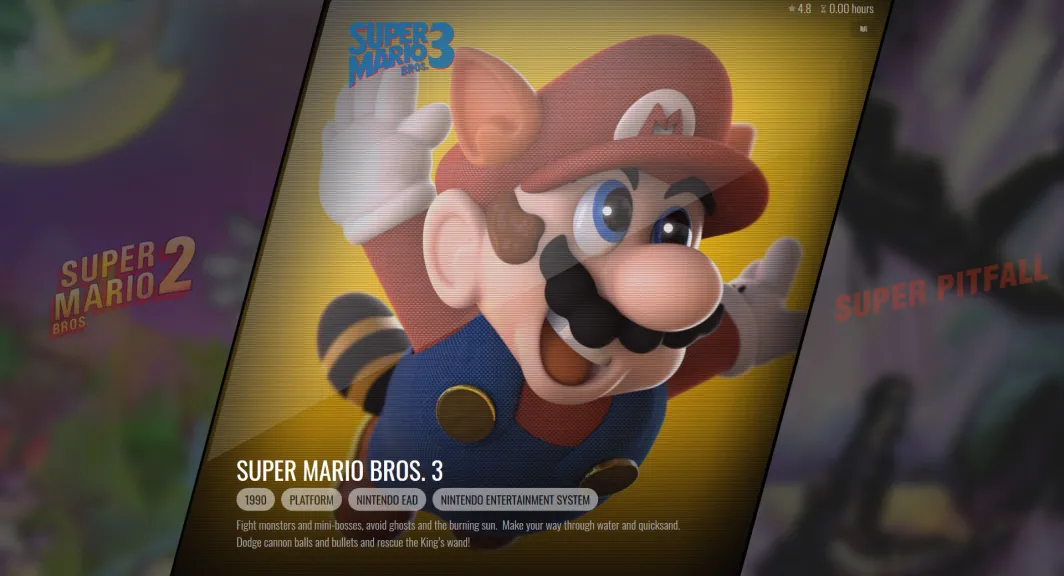
Pick grid, list or details view, then add badges, image types, your own fields and filters for any of them.

You Can Always Override It

Edit any field, add custom ones, or point a game at your own artwork. Nothing is locked to the database.

Find Anything in Seconds

Search, sort and filter by any field, from platform, genre and year to play time or one you made up.

Then Take It to the Couch

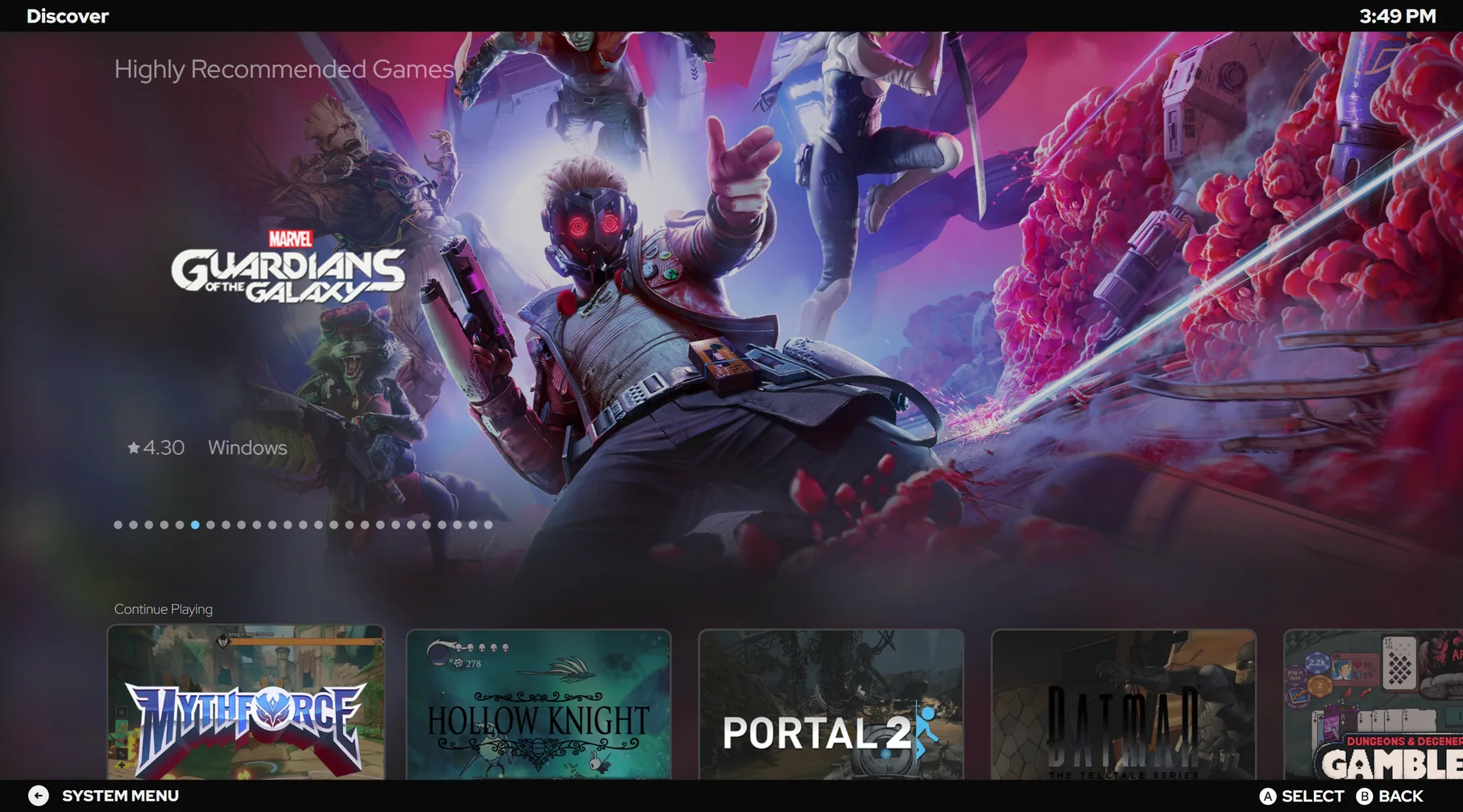
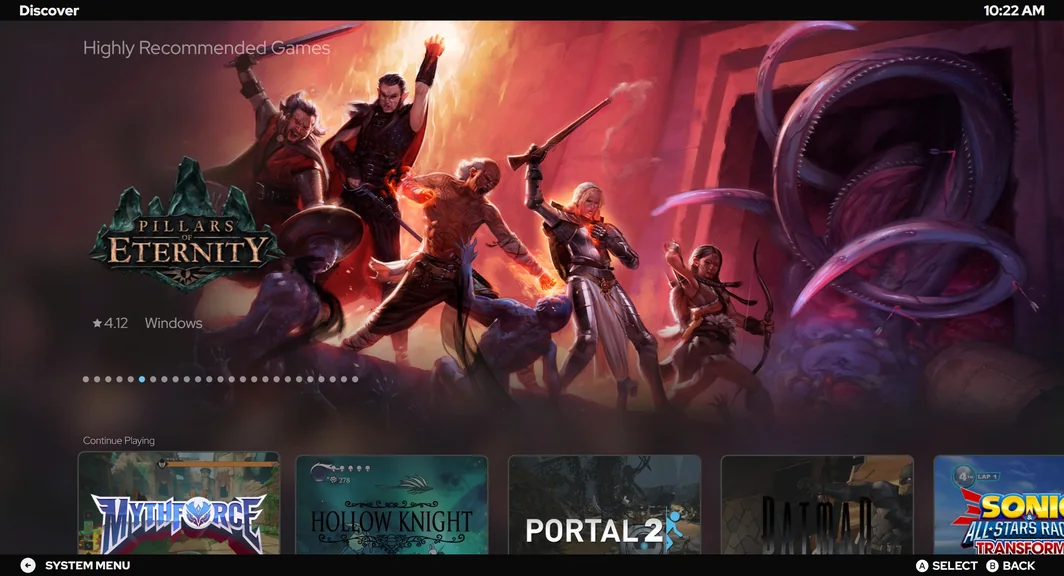
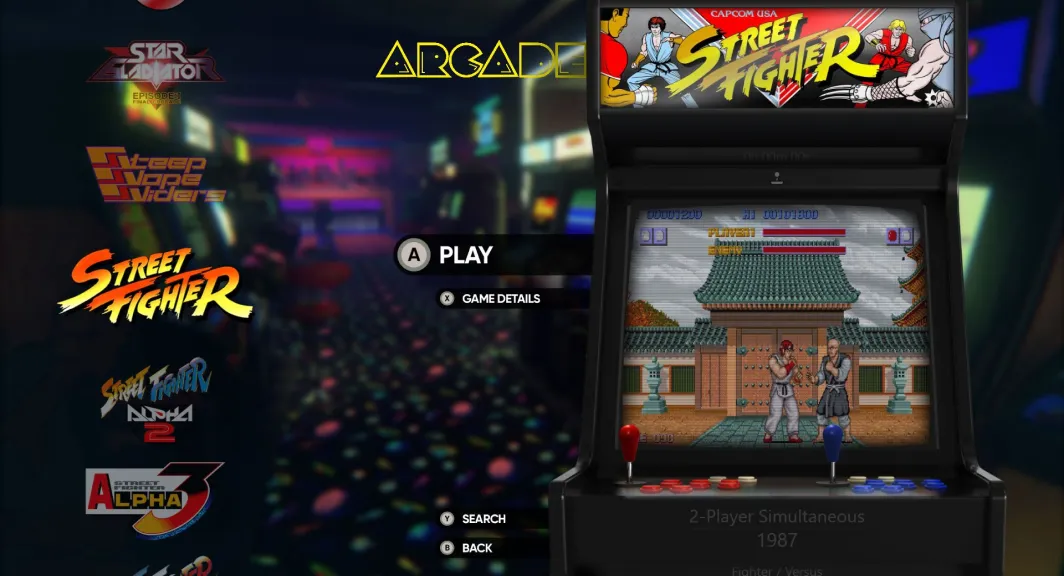
With Premium, one click takes LaunchBox full screen. Big Box turns the same library into a 10-foot interface for a TV across the room, an arcade cabinet or a handheld.

Learn More about Big Box and LaunchBox Premium

Made for a Gamepad

Browse, filter and launch from across the room. Navigate your library with a gamepad or arcade controls.

Skinned to Match Your Setup

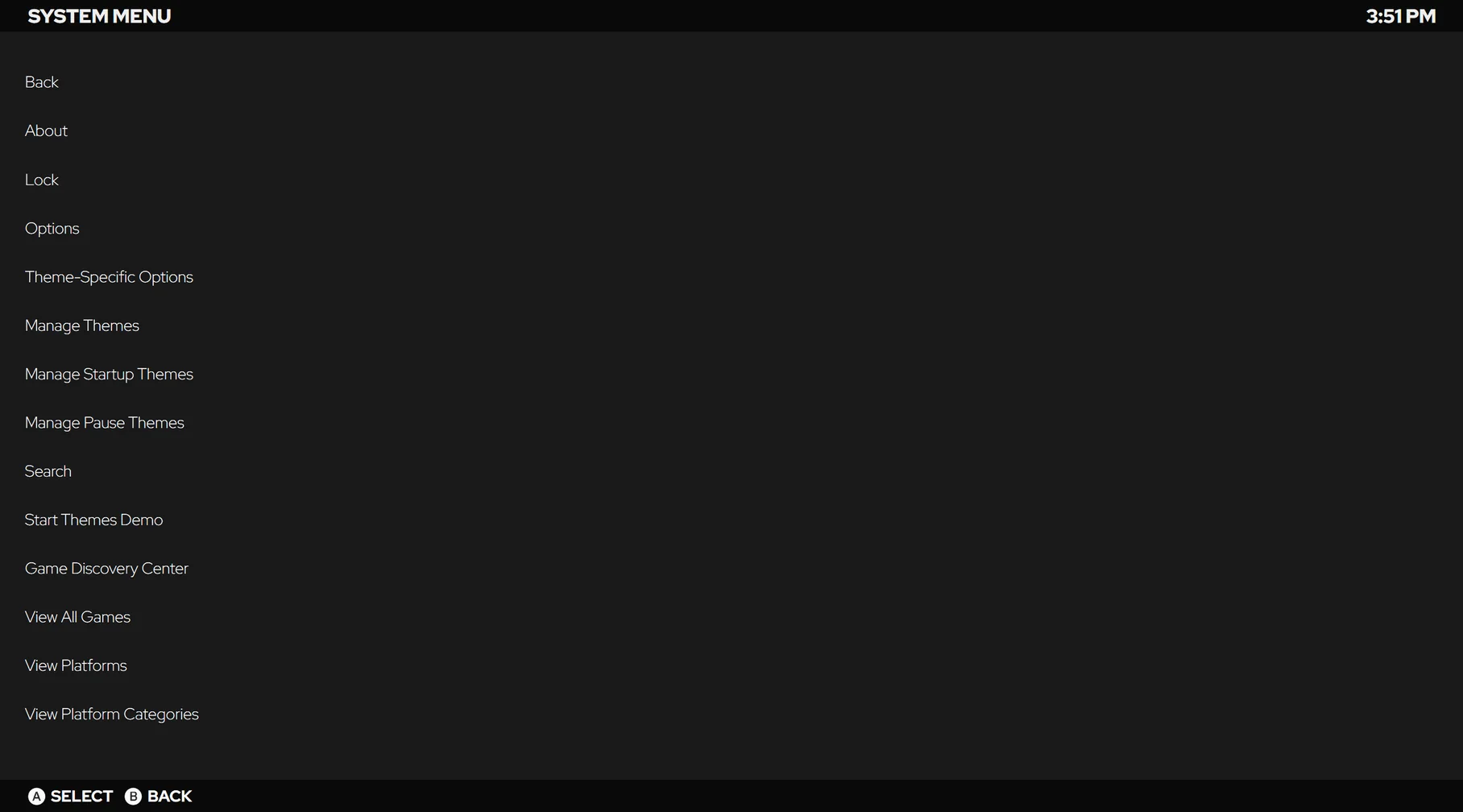
Choose from dozens of community themes, startup screens and layouts, or build your own.

And Take
It Anywhere

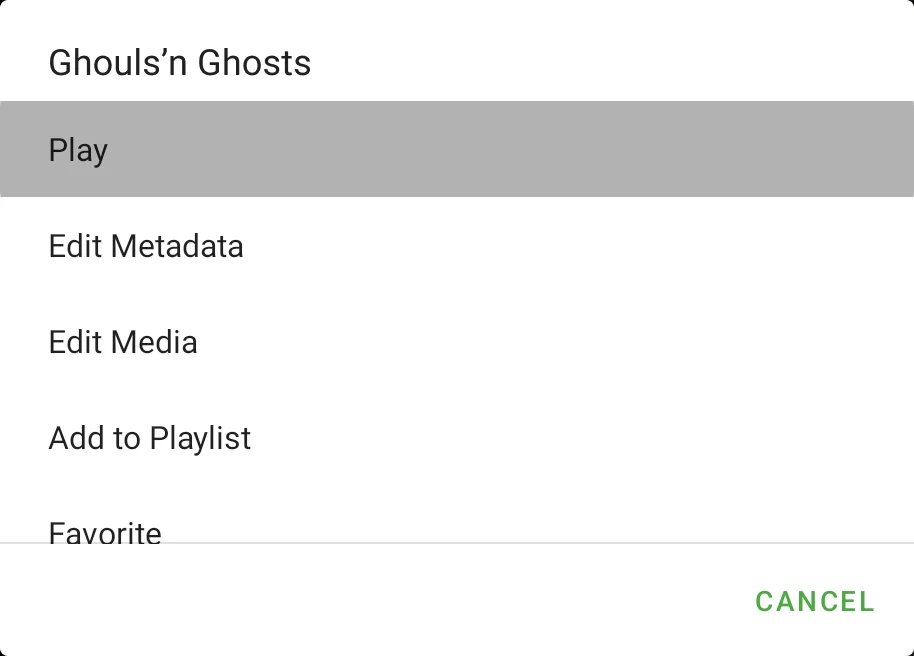
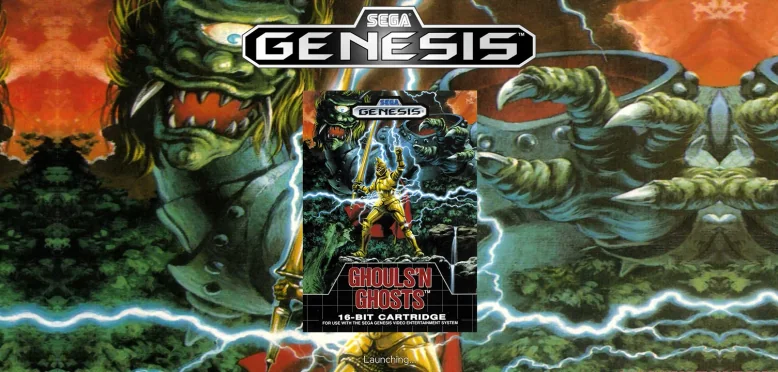
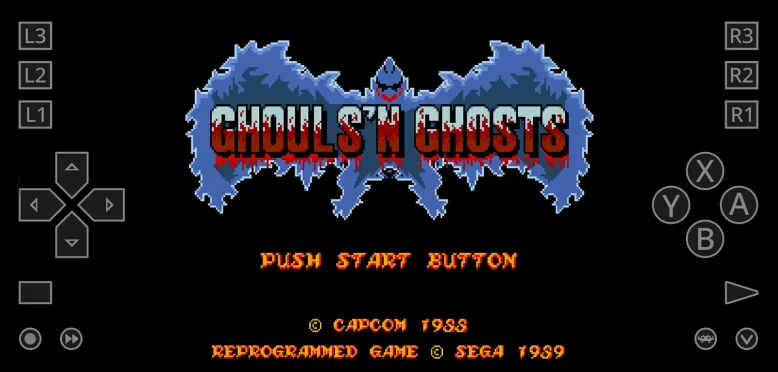
Take your library to phones, tablets and Android handhelds. It’s free for up to 100 games, and you install it straight from us.

Explore LaunchBox for Android

Built with the People Who Really Use It

Download for Free

Forum

Setup guides, fixes, and community themes and plugins to download.

Visit Forum

Discord

Quick questions, live help and show-and-tell for your setup.

Join Discord

YouTube

How-to videos from the LaunchBox team on setup, emulators and Big Box.

Visit Channel

Games DB

Sign in with your LaunchBox account to add art and fix metadata.

Visit Games DB

What's New in LaunchBox

See the latest features and fixes in the LaunchBox changelog.

See What's New

Up and Running
in Three Steps

A guided setup walks you through storefronts, media and extras, one step at a time.

Download LaunchBox for Windows or Android. It’s free, with no trial and no time limit.

The setup wizard imports Steam, GOG or Epic, or scans a folder of ROMs and DOS games.

Art and metadata fill in automatically, and games launch straight from the library.

Step 1

Download & Install

Download LaunchBox for Windows or Android. It’s free, with no trial and no time limit.

Step 2

Point It at Your Games

The setup wizard imports Steam, GOG or Epic, or scans a folder of ROMs and DOS games.

Step 3

Just Play

Art and metadata fill in automatically, and games launch straight from the library.

LaunchBox Is Free, and Premium Adds Much More

LaunchBox is free, with no trial and no time limit. Premium adds Big Box for your TV or arcade cabinet, plus themes and deeper customization.

See Pricing
$0Free Forever · No Trial
150+Supported Platforms
180k+Games in Database
10k+Community Members

Frequently Asked
Questions

Everything you might want to know before you download.

Is LaunchBox an Emulator?

LaunchBox organizes and launches your games. It works with emulators, DOSBox and PC game storefronts, bringing them together in one library.

Are Games Included?

LaunchBox is a launcher for your own collection. Games are not included with LaunchBox or Premium.

What's the Difference Between LaunchBox and Big Box?

LaunchBox is the desktop interface for organizing and launching your games. Big Box is the full-screen interface included with Windows Premium, designed for TVs, arcade cabinets and controller navigation.

Does It Work With a Controller?

Big Box is designed for gamepad and arcade controls, so you can browse and launch your games from the couch.

Can I Move My Library to Another PC?

LaunchBox for Windows is portable. When moving your library, bring your games, emulators and media with it, and update any paths that point outside your LaunchBox folder.

Is LaunchBox Free to Use?

LaunchBox for Windows is free, with no trial and no time limit. LaunchBox for Android is free for up to 100 games. Premium unlocks additional features.

Do Windows and Android Need Separate Licenses?

Windows and Android Premium licenses are separate. Visit the pricing page to compare the available options for your platform.

Didn't Find What You Were Looking For?
Visit Help & Support